Brooks McFadden
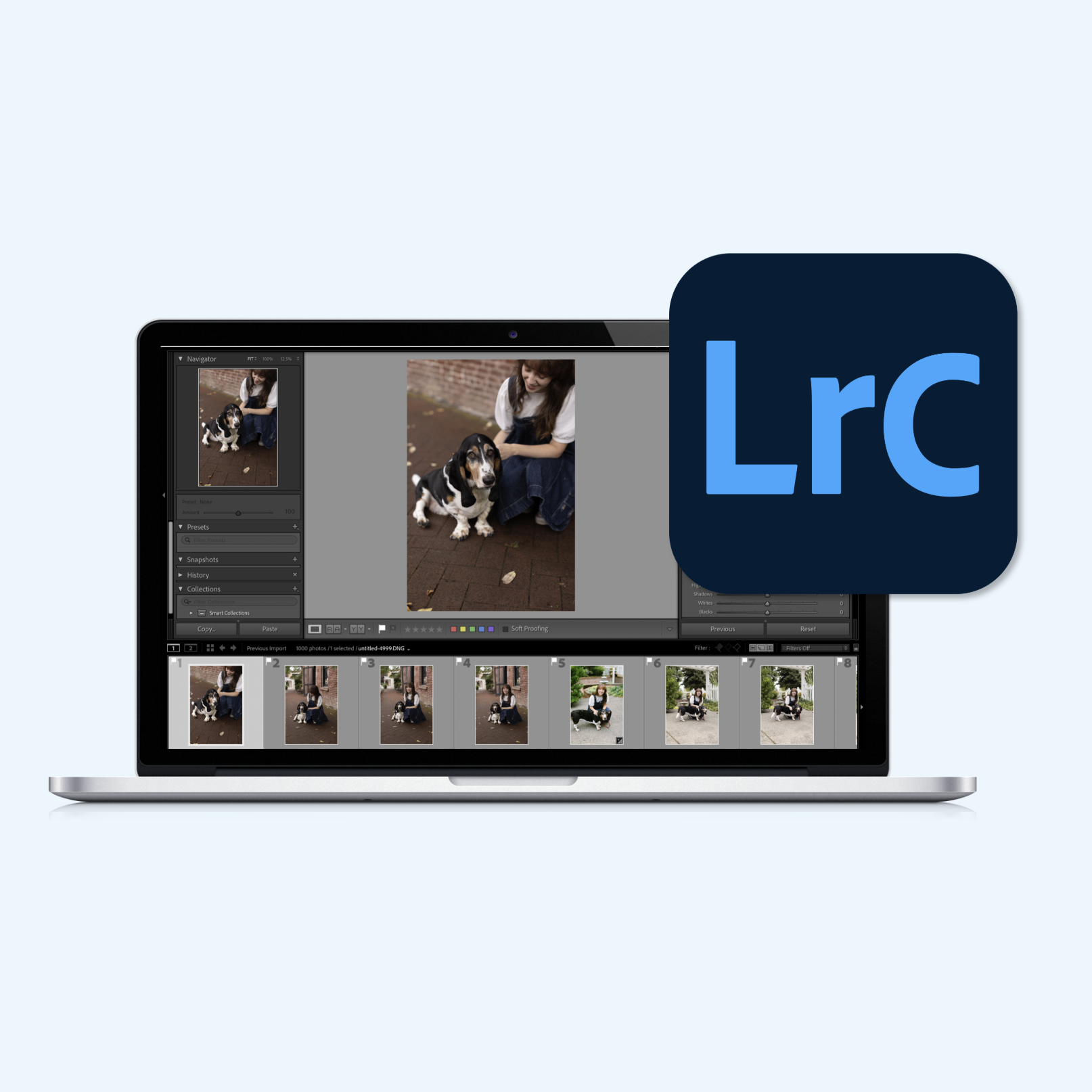
Interactive eLearning: Lightroom Classic Presets
Articulate Storyline 360 course helps beginner photographers incorporate presets into their editing workflow, reducing post-production time while maintaining a consistent style.
Project Details
INDUSTRY
Photography
YEAR
2026
TOOLS
Articulate Storyline 360
Description
With a background in wedding and portrait photography, I’ve hosted workshops and taught one-on-one editing sessions. Photography is awash in YouTube tutorials, but hands-on practice outside of in-person instruction is hard to find.
As photographers dip their toes into the Lightroom Classic application, they may not be using it to its full potential to reduce time editing large galleries. By providing a simulated eLearning experience, learners can engage in step-by-step hands-on practice at their own convenience.
Objective
Design and develop an eLearning course to enable beginner photographers to implement presets by practicing Lightroom navigation and preset application in a simulated environment, and evaluating scenarios for best practices of preset use.
Process: Design
Learning objectives using Bloom’s Taxonomy:
Understand the importance of reducing editing time.
Execute preset actions in Lightroom to create, import, and update preset content.
Examine editing scenarios for when to copy/paste development settings and/or apply a preset.
Considerations:
Prior Knowledge: To understand how to properly use presets in Lightroom, learners needed a basic understanding of the application, such as importing, exporting, file management (Lightroom Catalog (Library)), and editing settings. Tutorials on each of these key concepts would be provided at the beginning of the course.
Process: Development
Tool: Articulate Storyline 360
Prior/pre-requisite knowledge and available tutorials
Creating learning activities
Results
The final product is an interactive eLearning course that simulates preset workflows in Lightroom Classic, allowing learners to practice safely before incorporating presets into their own editing.